.png)
By
Published Apr 24, 2015
No headings found
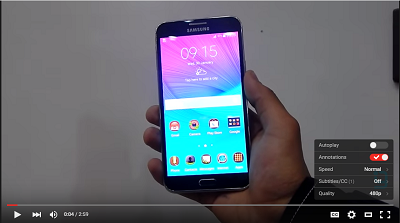
YouTube’s video player got updated recently but they haven’t rolled out it yet and the chances are, it’ll take a while before you can see the new Player on YouTube. This new update makes the player look really neat and light. But if you are desperate to use the new player, it's a fairly simple tweak that involves editing a single cookie.

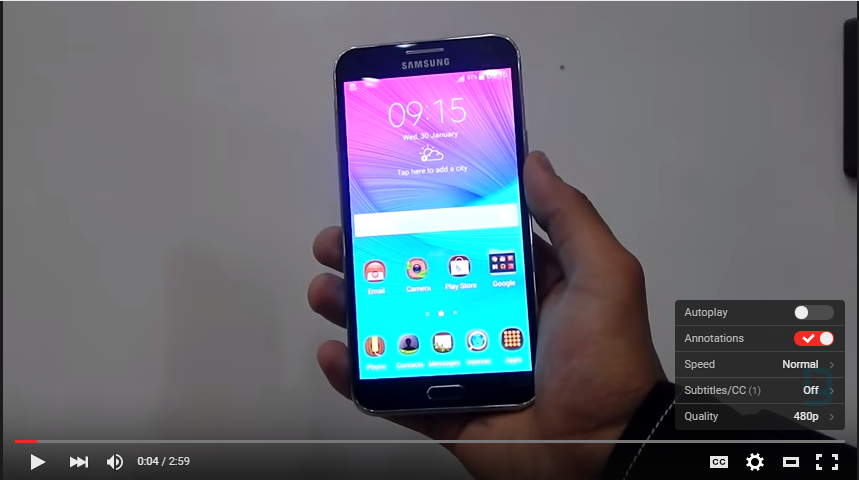
Here’s how you can enable it:
For Google Chrome:
To enable it on Google Chrome, you’ll have to install an add-on first. Download EditThisCookie add-on and enable its extension.
Now, head on to the YouTube page, then click the EditThisCookie button in the toolbar then select the VISITOR_INFO1_LIVE tab.
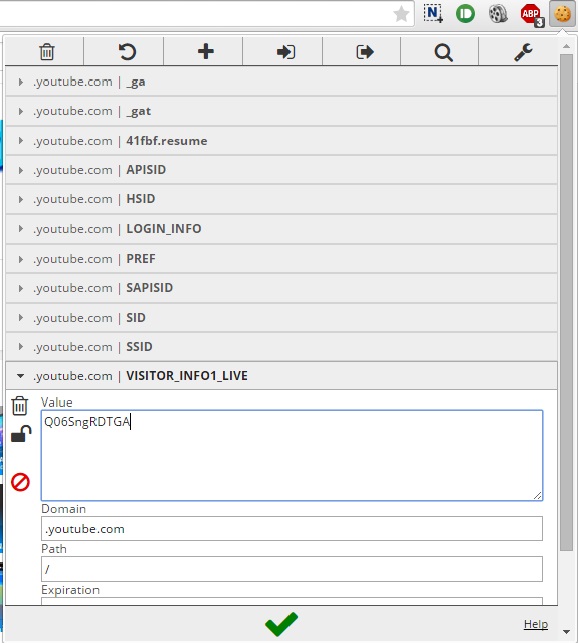
Then delete the text in value field and replace it with the following text: Q06SngRDTGA
Now click the green check icon and refresh the page.
For Firefox:
Enabling the new player is even easier if you are using Firefox as your primary browser. Head on to YouTube page and press Shift + F2 to bring up the developer console.
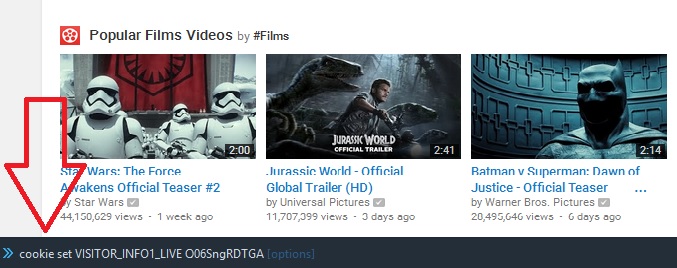
Now paste the following text on the developer console and press enter: Cookie set VISITOR_INFO1_LIVE Q06SngRDTGA
Now reload the page and you're set.
Article Last updated: April 24, 2015