.png)
GG
By
Published Jul 26, 2018

No headings found
Android P Beta 4 is here, aka Android Developers Preview 5. This should also be the last beta for the platform, meaning the next version is quite possibly a stable Android P.
Each previous beta builds saw a few minor upgrades over the previous one. This one, however, according to Android's VP of engineering himself stated:
everything you need to wrap up your testing in time for the upcoming official Android P releaseSo, we will most probably see very little changes between this version and the official final version of Android P. There are speculations about a final release somewhere in the third quarter this year. Read More: Android P Developer Preview 1 Even with all this, we still do not know what the P stands for, my bet is on Pancakes. We do know that it's going to carry the Android 9.0 version number.
Installing Android P Beta 4 on your device
If your device is among the ones on google's certified list, maybe give the Beta 4 a try. Check below if your device is compatible:- Google Pixel
- Google Pixel XL
- Google Pixel 2
- Google Pixel 2 XL
- Essential Phone
- Nokia 7 Plus
- Sony Xperia XZ2
- OnePlus 6
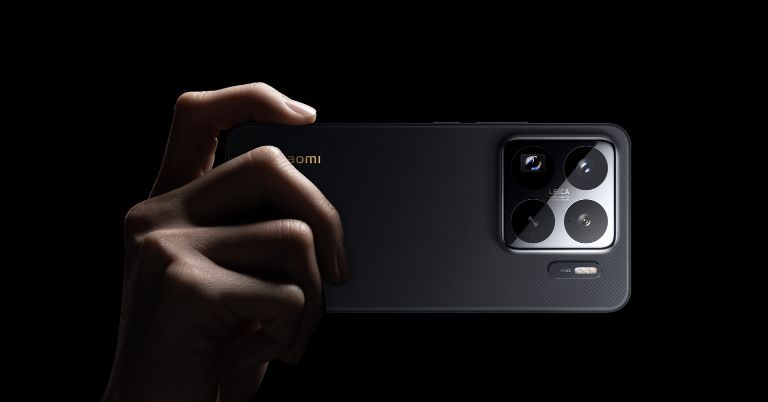
- Xiaomi Mi Mix 2S
- Oppo R15 Pro
- Vivo X21
- Vivo X21 UD
- Enroll yourself in Android's Beta Program. Instead of me explaining to you how it's done, just click the link here which will direct you to the official Android website explaining to you how it's done.
- You can always flash the Android P on your pixel smartphone. All you need to do is connect your smartphone to your PC. Then install the Android Studio, instructions here, and finally download your factory image from here and flash it to your phone.
- Finally, for non-pixel users, here is a list of links that will help you through the process. Just click on your smartphone and get started with Android P. 1. Oppo R15 Pro 2. Sony Xperia XZ2 3. Vivo X21 4. Essential Phone 5. OnePlus 6 6. Nokia 7 Plus 7. Xiaomi Mi Mix 2s
Article Last updated: July 26, 2018